
Costcodle tips and strategy
Updated 2026-09-30. Sources are linked in the text.
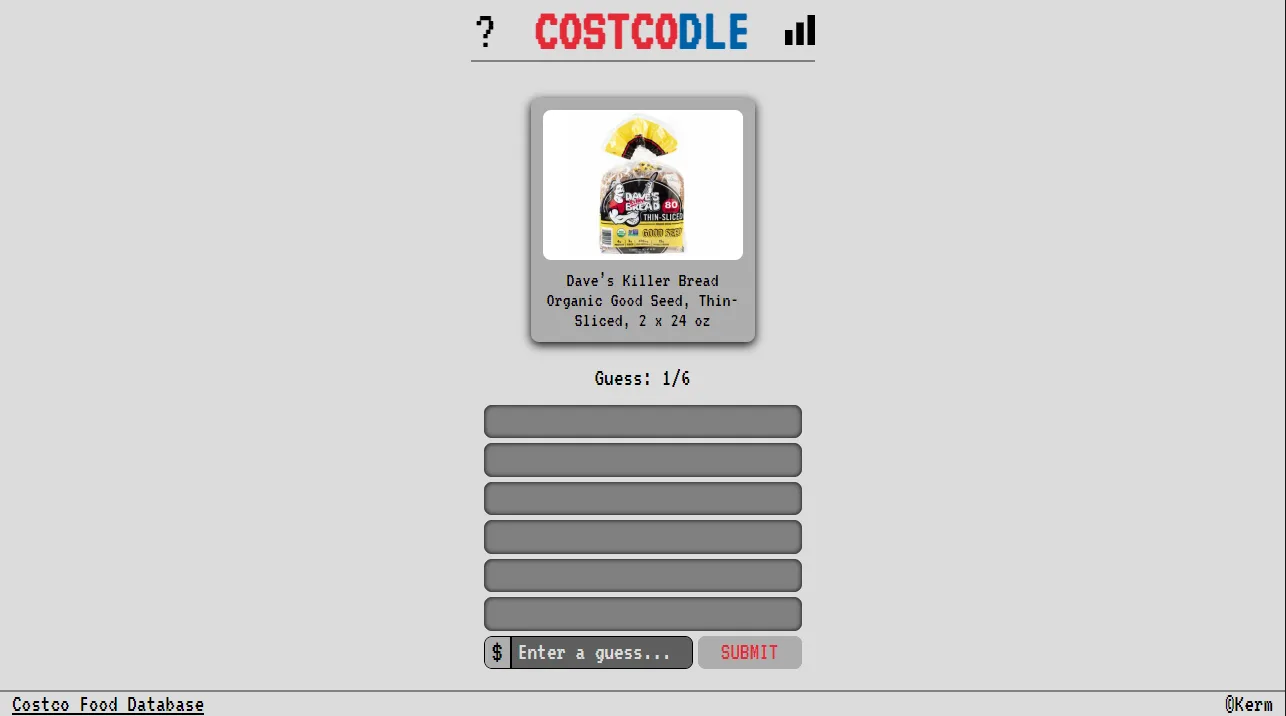
People search for Costcodle hints, hacks, and cheats. I am not going to pretend there is a shortcut that skips the puzzle. What I can share is the method I use after reading the color rules in main.js.
Open near a real grocery price
The item list is Costco food from the Costco Food Database, not televisions or tires. When I browse published answers I see a lot of prices between about $3 and $30. My first guess is usually $9.99 or $12.99, because a miss there still tells me which half of the shelf I am on.
Cut the range with the arrow
An up arrow means go higher. A down arrow means go lower. I treat the next guess as the midpoint of the remaining range. If I guessed $10 and the arrow points up, I do not creep to $10.50. I jump toward $16 or $18 so the next tile can split the leftover dollars.
Use yellow as a window, not a win
Yellow means I am inside 25 percent of the shelf price and still outside the 5 percent win. On a $10 target that yellow band is $7.50 to $12.50, while the win sits at $9.50 to $10.50. Once I see yellow I stop taking big jumps and I aim at the center of that band.
What I do not do
- I do not open the answer page before I have used a guess. The archive on this site stays collapsed on the daily page for the same reason.
- I do not trust a claimed global average score. The game only stores stats on my own device.
- I do not look for an unlimited mode on the official site. The puzzle number increases by one day.
If you want the worked thresholds on a specific item, open today's answer after you play, or read how scoring is stored.
Strategy is derived from the 5 percent and 25 percent tests in the game source. I am not publishing a measured win rate, because the developer does not collect one.